Installing Magento 1.9.3.2
This section describes how to install Magento into the XAMPP server without sample data.
Downloading
The steps to downloading Magento are:
- Unzip
magento-downloader-1.9.1.0-2015-02-09-10-17-59.zipand the extracted filedownloader.phpmust be copied toC:\POC\xampp\htdocs\magento. Wheremagentodirectory must be created previously. This complete directory must have write access permissions. - Open php.ini file and locate
curl.cainfoparameter. Ensure it contains:curl.cainfo="C:\POC\xampp\perl\vendor\lib\Mozilla\CA\cacert.pem" - Open php.ini file and locate
openssl.cafileparameter. Ensure it contains:openssl.cafile="C:\POC\xampp\perl\vendor\lib\Mozilla\CA\cacert.pem - Open php.ini file and uncomment line
extension=php_soap.dll - Start up XAMPP server executing C:\POC\xampp\xampp-control.exe (Apache and MySQL modules only)
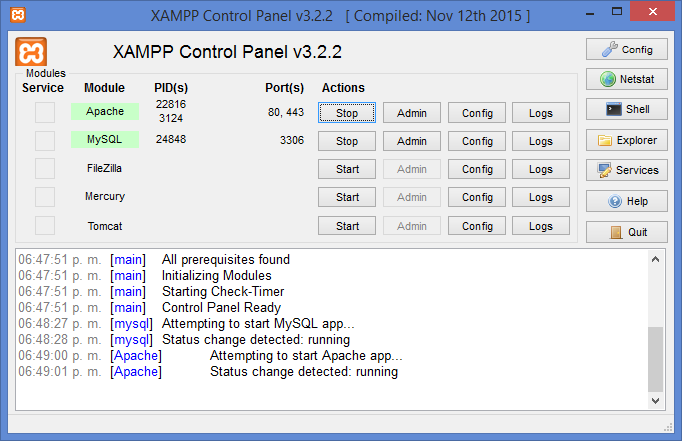
- Create an empty database
magento1932using phpMyAdmin. For development purposes the defaultrootuser with no password could be valid: http://localhost/phpmyadmin/
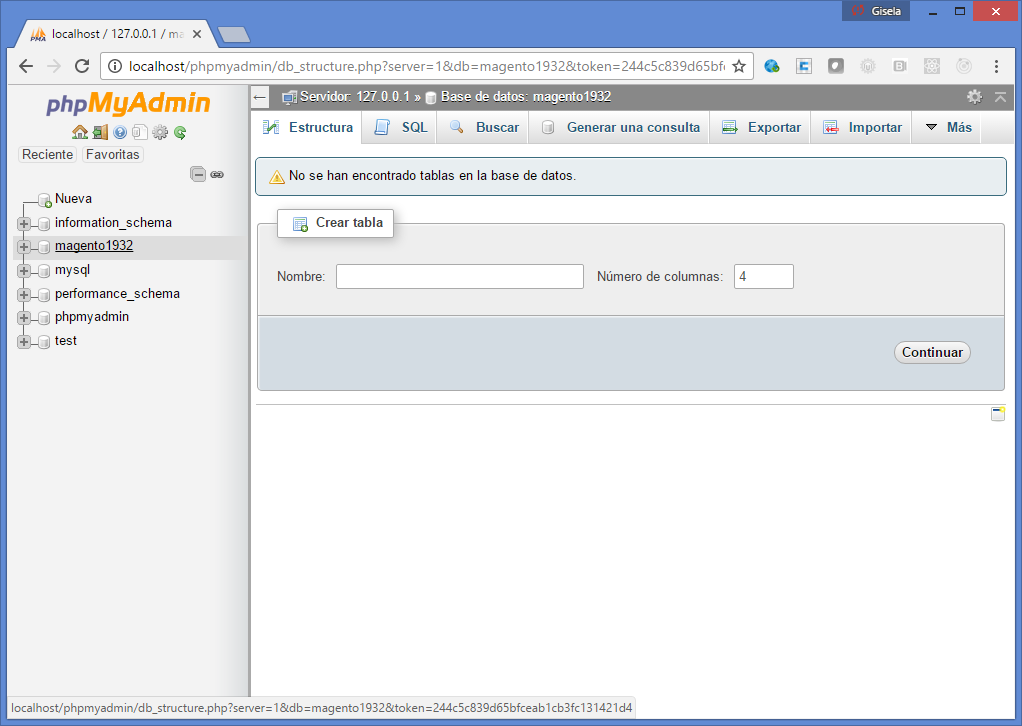
- Open a browser and point it out to http://localhost/magento/downloader.php
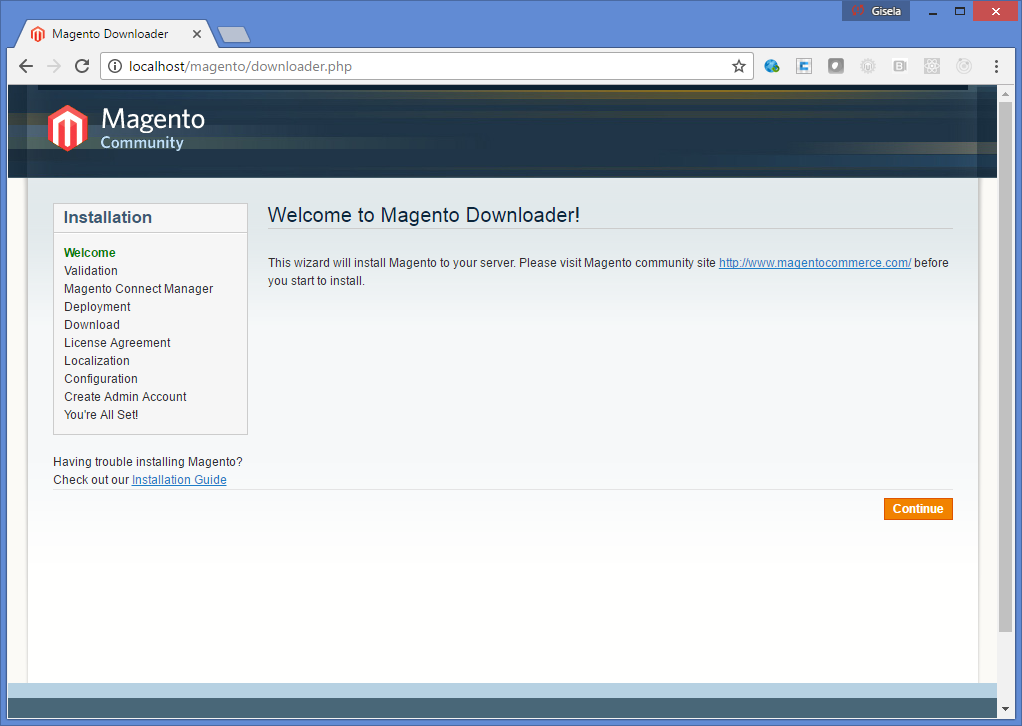
- Click continue and see the messages
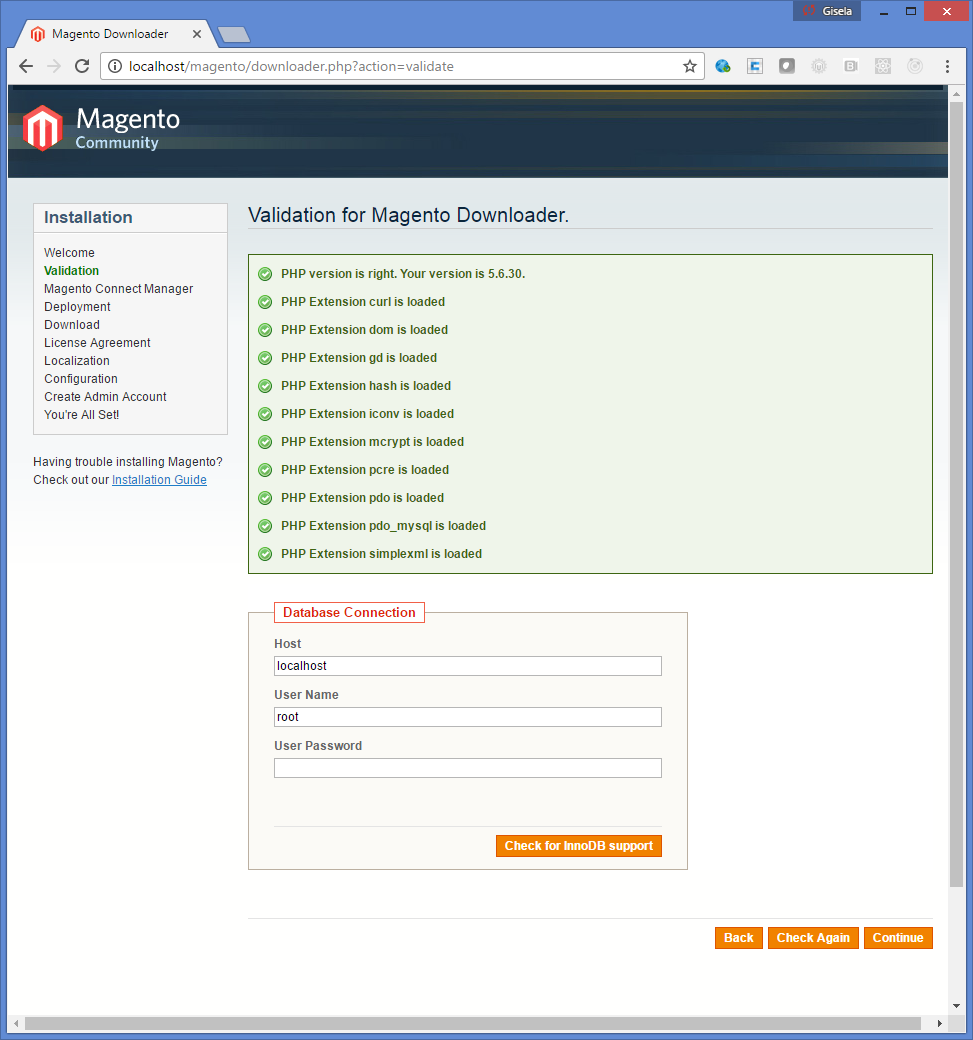
- Complete database connection information. Database: magento1932, Host: 127.0.0.1, User: root, User Password: empty. Clic Continue
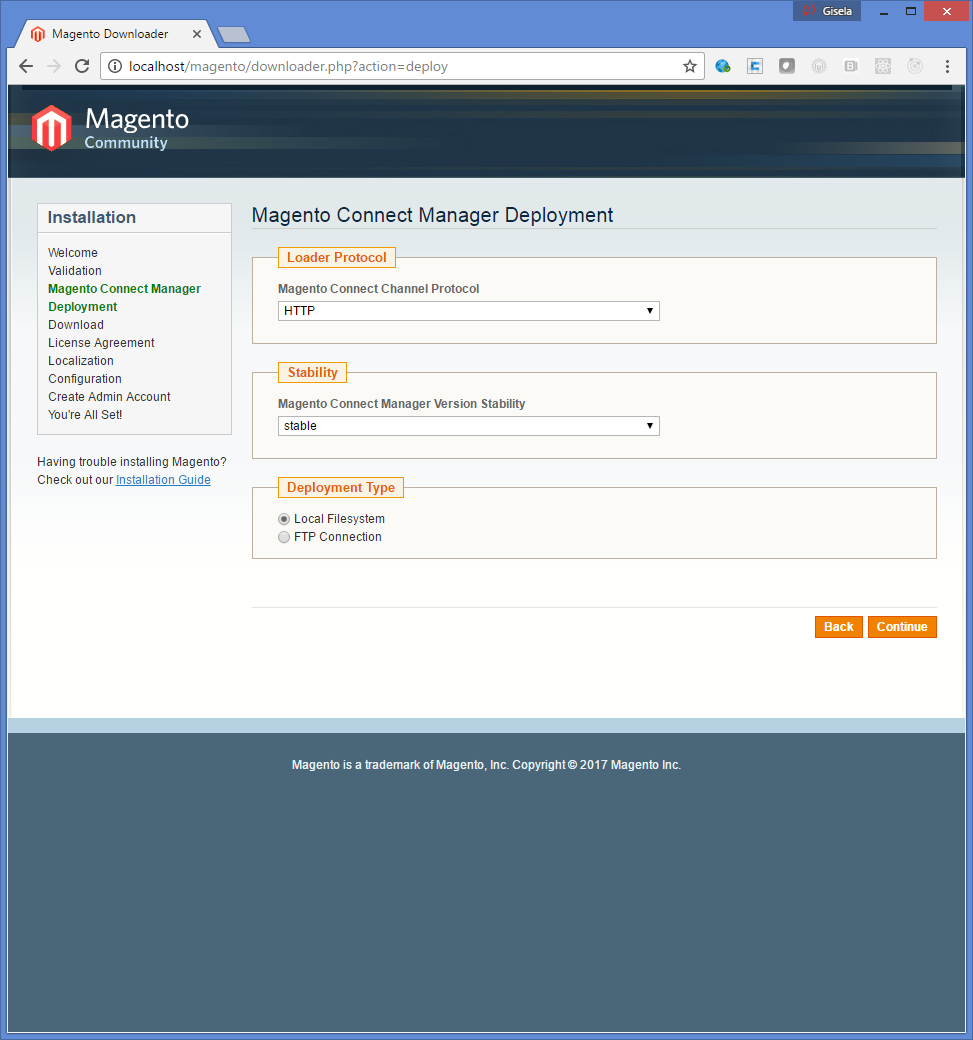
- Next
- Next

- Next

- Next
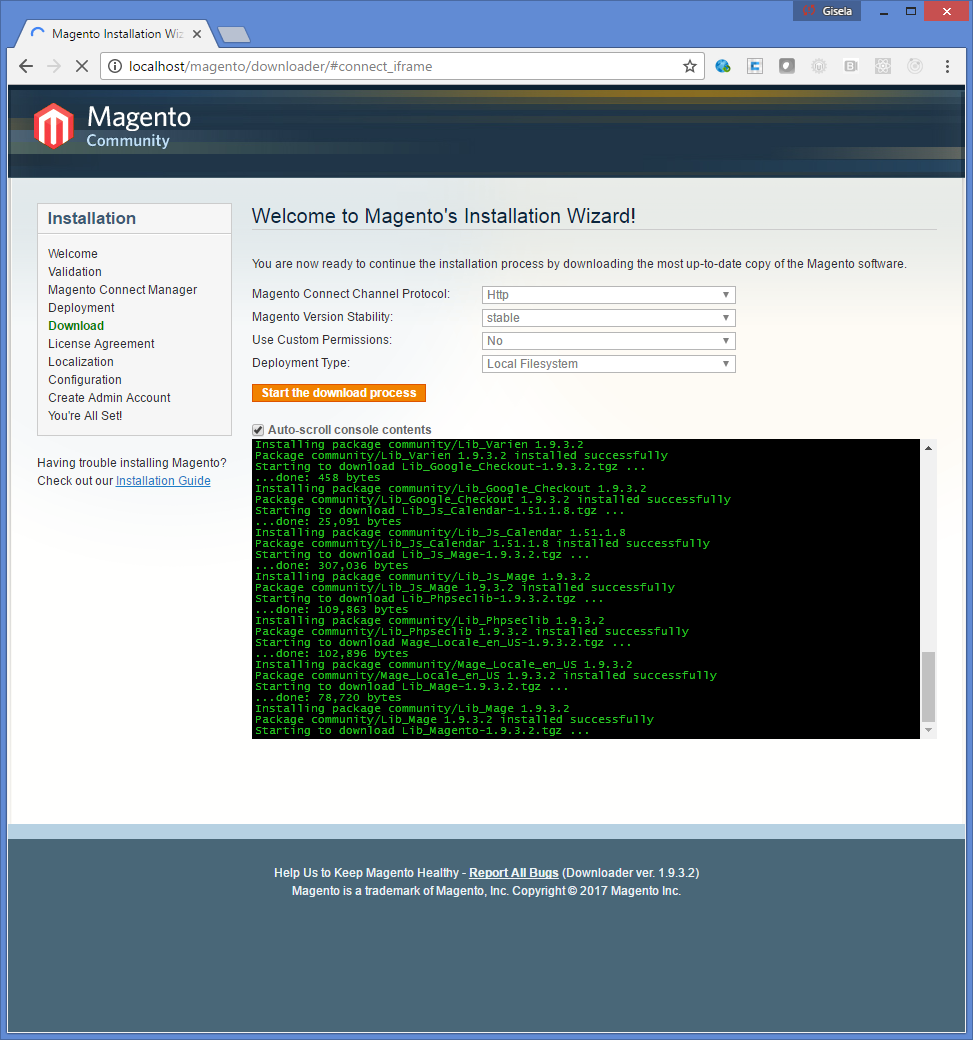
- After a while the process is finished. Magento is installed Into the same directory where downloader.php is:
C:\POC\xampp\htdocs\magento
Installing
The steps to installing Magento are:
- Point the browser out to http://localhost/magento
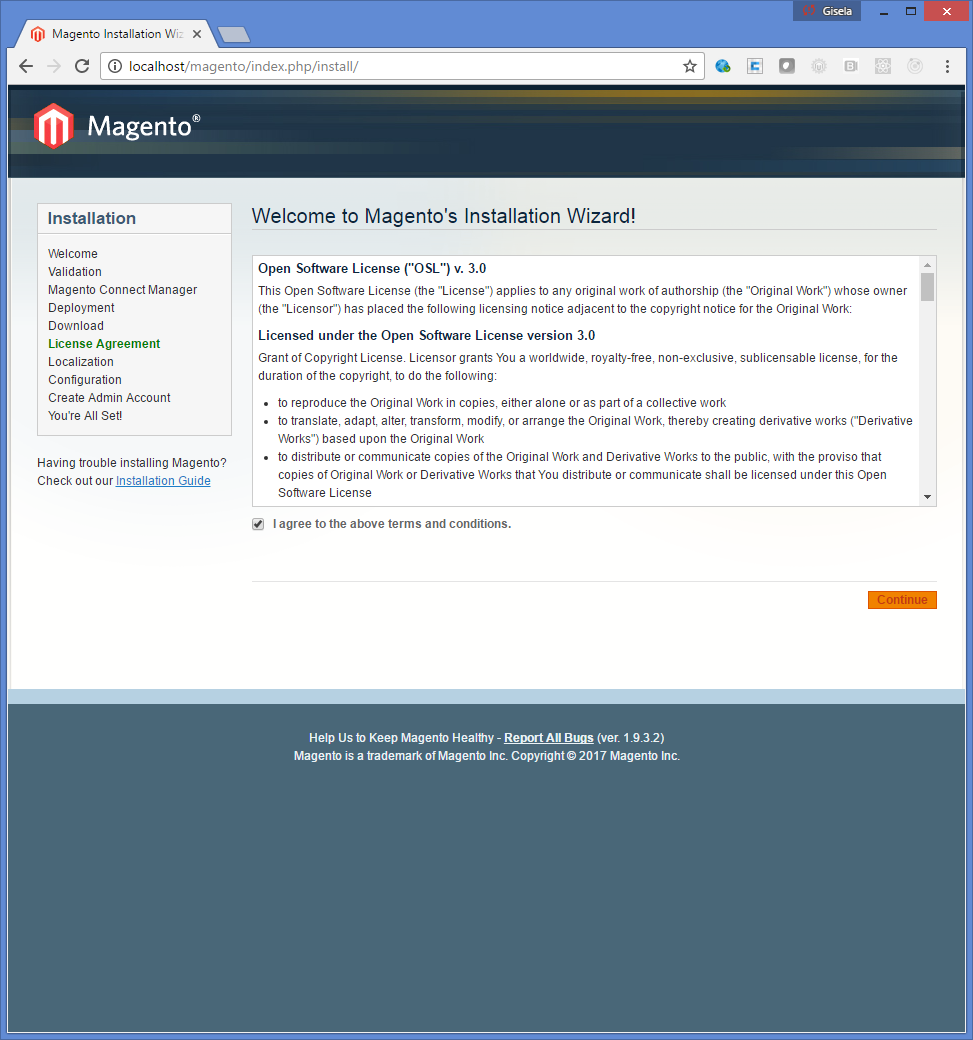
- Next
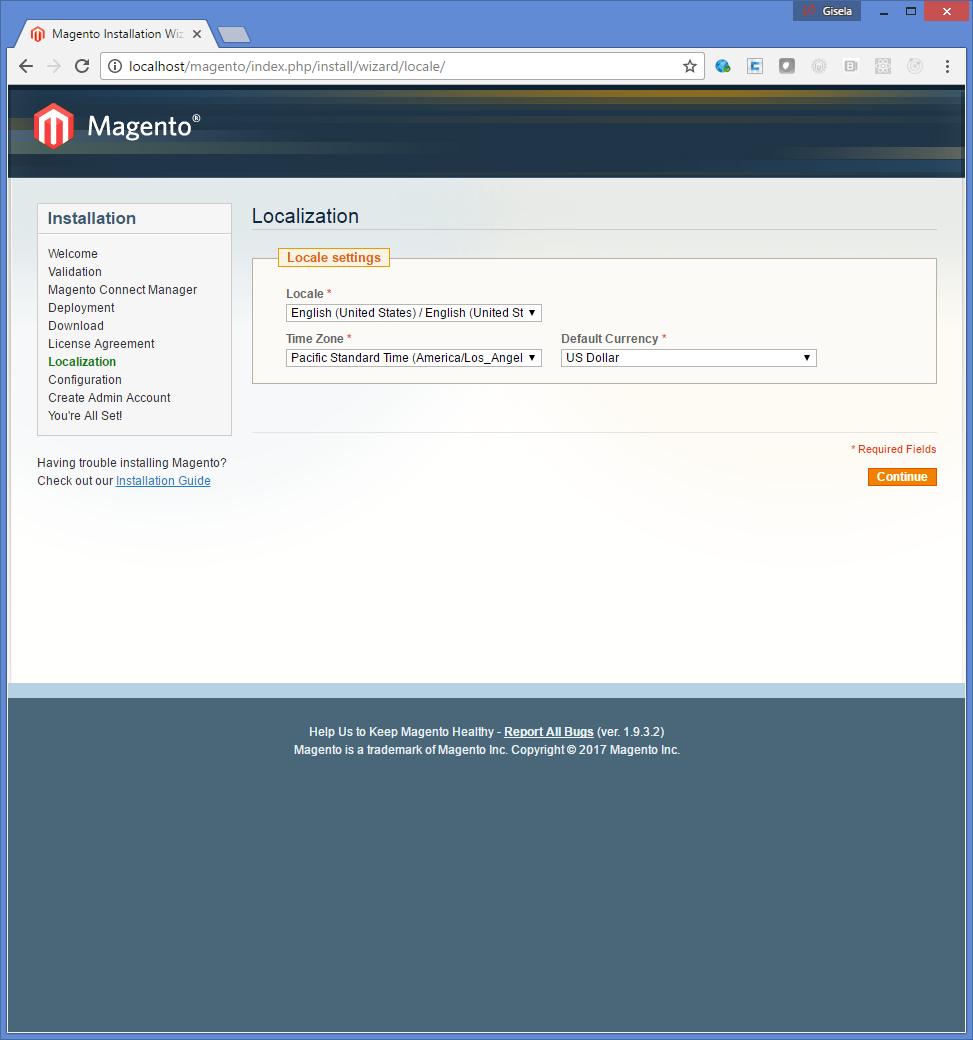
- Next and complete database information

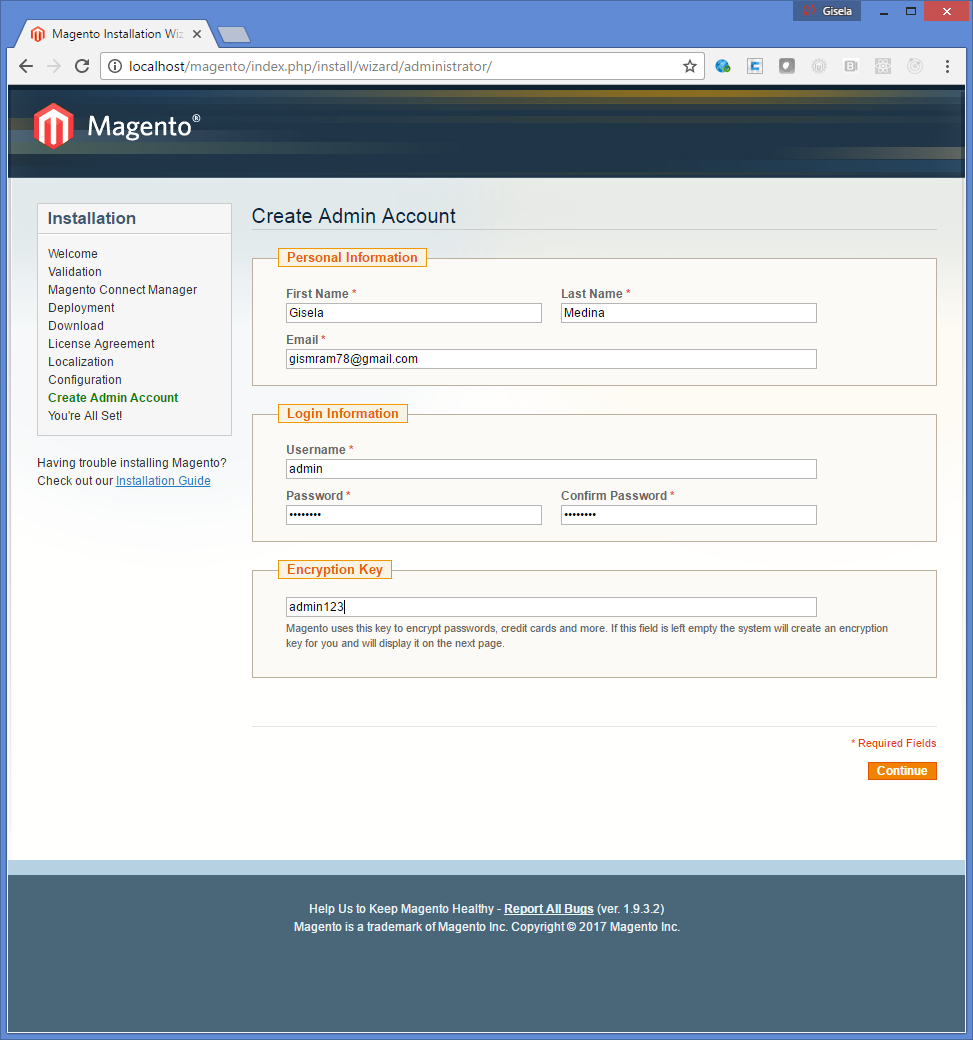
- Next and create the admin account: username: admin, password: admin123, encriptionkey: admin123
- Next

- Finished with Frontend URL http://127.0.0.1/magento/

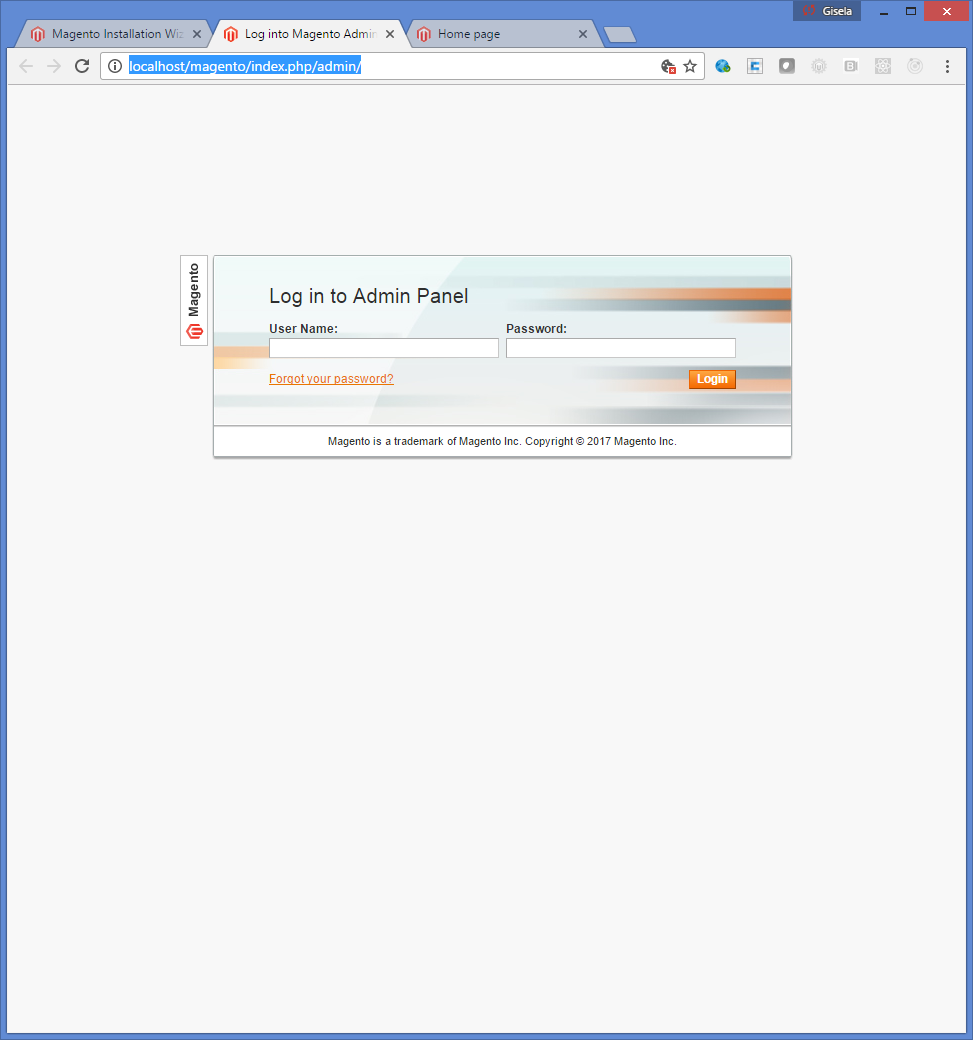
- With Backend URL (admin/admin123 as credentials) http://localhost/magento/index.php/admin/
- That's it
Reinstalling
In order to reinstall the same Magento into the same server without downloading all files again:
- Delete file: C:\POC\xampp\htdocs\magento\app\etc\loca.xml
- Delete all the files and directories inside C:\POC\xampp\htdocs\magento\var
- Point the browser out to http://127.0.0.1/magento which is the name of the directory the Magento was installed.